
Learn

Learn WineGate

Six short video lessons on everyday work in WineGate. One task each, under a minute.

0:53Lesson 1Import a price listUpload the sheet you already send to buyers. Every line becomes a lot, and the whole list goes live on the market at once.
0:54Lesson 2Add a lot from a label photoTake a photo of the label. Autofill reads the producer, region, vintage and strength, and you add the stock and the price.
0:41Lesson 3Your company pageYour live stock at one link. Send it to your clients instead of a PDF; sold lots leave the page by themselves.
0:46Lesson 4Answer a requestA buyer asks for stock you have. Send a quote with your price; when they accept, a thread opens to agree the terms.
0:40Lesson 5Let the assistant run your lotsAsk WG Assistant about your stock in plain words, then ask it to change a price. Nothing changes until you confirm.
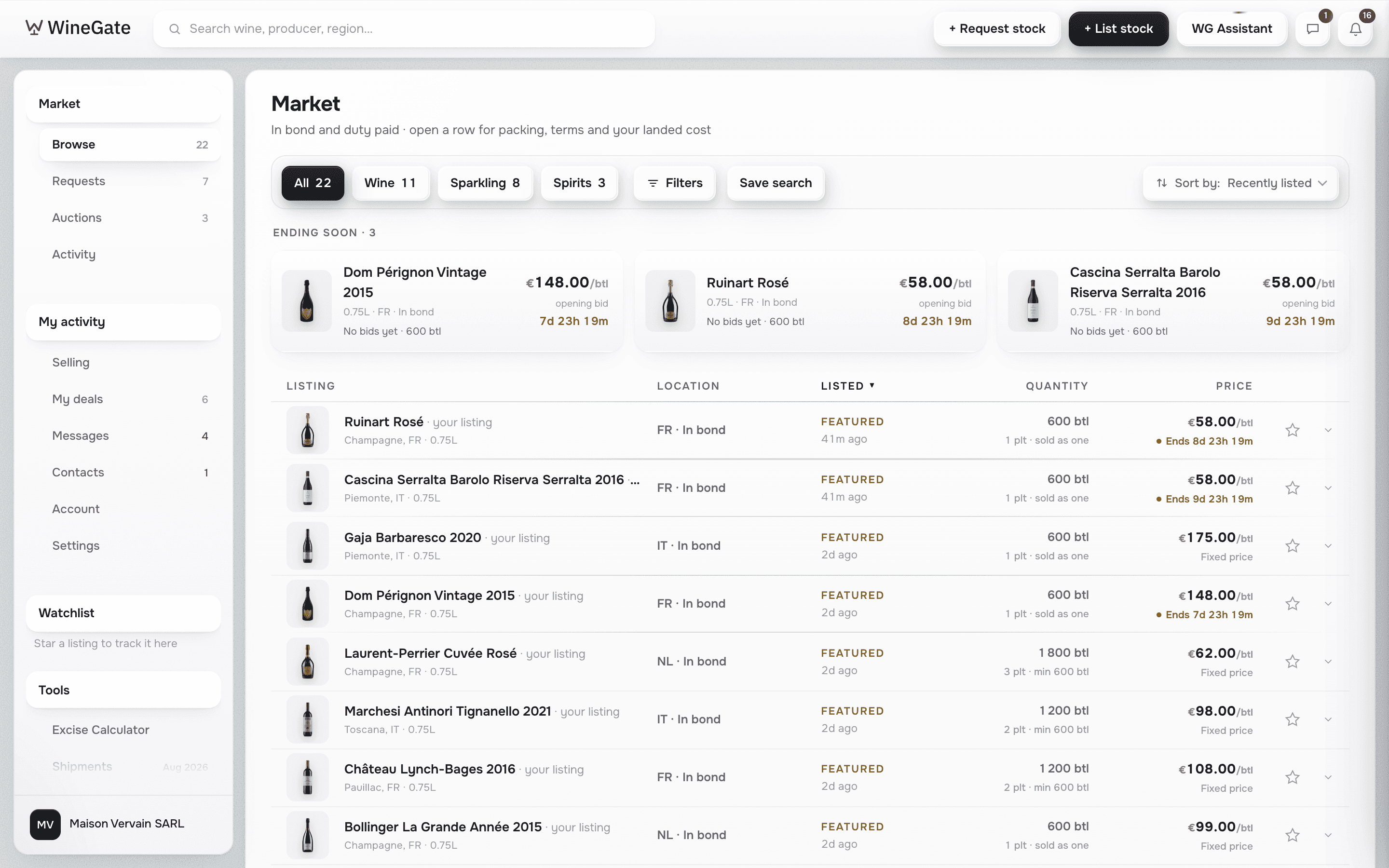
0:43Lesson 6Find stock and send a requestSearch the whole market and see your landed cost on every row. If the stock is not there, post a request and sellers quote you.

List your first lot

A 7-day free trial, then €99 a month. Buyers pay nothing per order; sellers pay 1 % when an order closes.

Download on the App StoreGet it on Google Play
WineGate market